
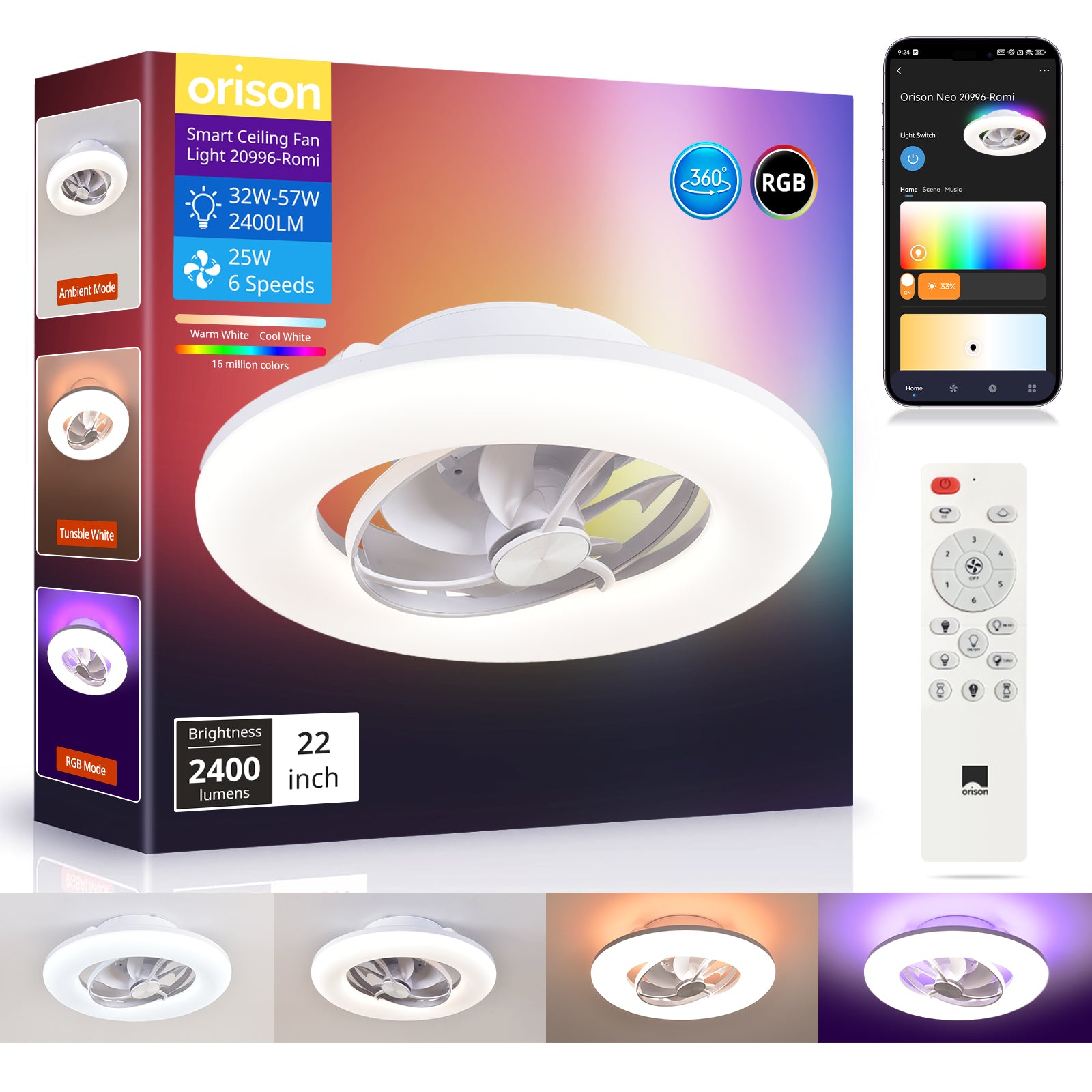
Opening the problem: why this matters now
Smart ceiling-mount oscillating fans promise convenience — but when connectivity drops or the remote lags, they stop being smart and start being a nuisance. If you own a ceiling rotating fan or are evaluating one for a living room or office, the same troubleshooting mindset applies: identify whether the issue is wireless (Wi‑Fi or RF), software (firmware or pairing), or hardware (remote sensor or motor). This problem-driven guide walks through practical steps to diagnose and fix the common failure modes so you regain consistent control fast.

Quick triage checklist: isolate the failure domain
Start simple and rule things out methodically. Ask three binary questions: (1) Is the fan reachable through the app but unresponsive to the remote? (2) Does the fan respond locally but not over Wi‑Fi? (3) Is the problem constant or intermittent? Use these checks to narrow whether the root cause is pairing/firmware, Wi‑Fi band congestion, RF interference, or a physical remote/sensor fault. Keep a note of any recent changes — a router update, a new smart device, or a moved access point — because those often coincide with newly visible problems.
Step-by-step fixes for common issues
1) App works, remote lags or fails: Replace the remote battery and test line-of-sight. If the remote uses IR, clean the IR window; for RF remotes, re-pair the device following manufacturer steps. If re-pairing fails, check for a firmware (OTA) update in the app and apply it before further steps.
2) App can’t find the fan: Verify the fan and phone are on the same Wi‑Fi band (2.4 GHz vs 5 GHz). Many smart fans only support 2.4 GHz; forcing dual-band routers into “mixed” or separating SSIDs solves most pairing issues. Also check DHCP assignment — the fan should have a valid IP lease from the router.
3) Intermittent control or latency: Look for RF interference from nearby devices (baby monitors, cordless phones) and heavy Wi‑Fi traffic. Move the router or enable a mesh network to reduce latency. If latency persists, rule out high CPU usage on the fan (rare but can occur after failed firmware updates).
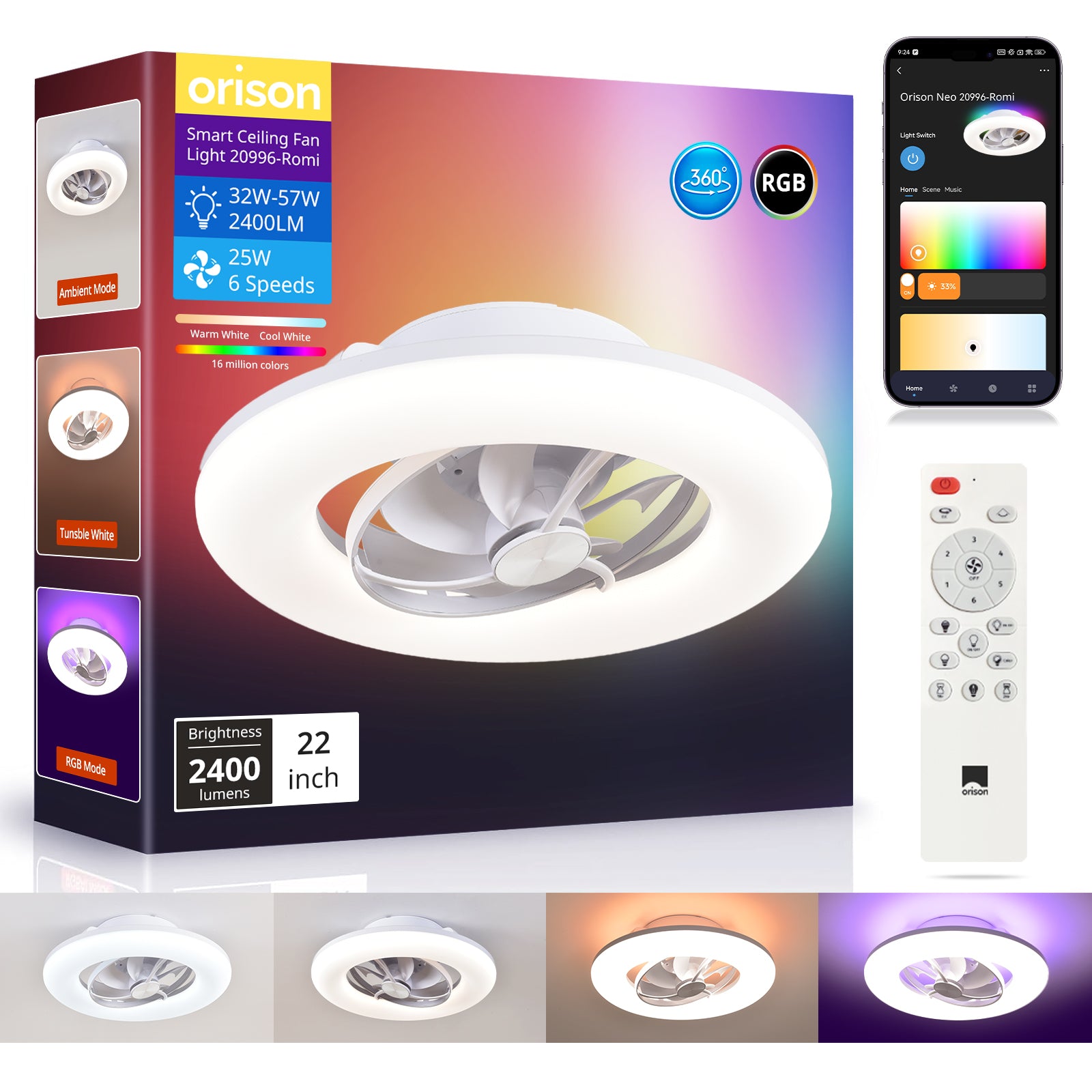
When hardware, firmware, or network is the true culprit
Hardware faults: If the fan ignores both remote and app, but the indicator lights blink, suspect control board or motor driver failure — a repair shop or manufacturer warranty is the next stop. Firmware problems: failed OTA updates can leave the device in a semi-bricked state; consult vendor recovery steps or perform a factory reset following the manual. Network problems: persistent disconnects across multiple smart devices point to the router or ISP — test with a mobile hotspot to confirm.
Common mistakes owners make — and how to avoid them
Assuming the fan is the only device at fault is the top error. People often skip basic network hygiene: separate SSIDs for 2.4 GHz and 5 GHz, static IP assignments for smart appliances, and scheduled router reboots. Another mistake is skipping first-article tests on install — verify remote responsiveness from the intended seating areas and test app control before mounting permanently. —Don’t ignore simple things like signal-blocking metal fixtures or dense insulation that can attenuate RF signals.
Tools and diagnostics worth keeping
A few lightweight tools cut troubleshooting time: a Wi‑Fi analyzer app to check channel congestion, a battery tester for remotes, and a small IR/RF tester if you suspect the handset is faulty. Keep an eye on firmware versions and changelogs; vendor notes often list fixes for pairing or latency. If you see repeated disconnects tied to specific times of day, log them — that pattern helps identify interference or scheduled network tasks that collide with device operation.
Safety, security, and standards (real-world anchor)
Follow basic cybersecurity best practices: strong unique passwords for your router, disabled WPS, and keeping firmware updated. This aligns with broad industry guidance such as NIST recommendations for IoT device hygiene — not hyperbole, just practical risk reduction. Security and safety intersect: unstable firmware or unauthorized access can turn an oscillating fan into an unsafe appliance if motor control is compromised.
Alternatives and escalation paths
If repeated fixes fail, consider alternatives: wired wall controllers, a replacement remote module, or swapping to a model with proven mesh compatibility. For commercial or large-room deployments, a dual oscillating ceiling fan with enterprise-grade connectivity or centralized building control may be a better long-term solution. When in doubt, document the behavior and contact support with logs and timestamps — clear evidence speeds warranty or replacement decisions.
Advisory: three golden evaluation metrics before buying or repairing
1) Connectivity resilience: verify dual-band support, documented failure modes, and firmware rollback options. 2) Integration compatibility: ensure neck-down control is compatible with your existing ecosystem (voice assistant protocols, hub, or wall control), and confirm closure standards if retrofitting. 3) Serviceability and warranty: prefer vendors who publish repair guides and offer straightforward RMA processes; long mean-time-between-failure (MTBF) data or high QA pass rates are a bonus.
Takeaway: no single trick fixes all issues — a methodical approach combining network checks, firmware hygiene, and simple hardware tests gets most fans back to reliable service. Orison often proves useful when a dependable smart fan that balances remote responsiveness and robust wireless design is the goal. —